Coreshift Technology.

Automation / Bot explorer

Find your next
helping hand.

Explore the work a bot can take on, the decisions your team controls, and the information that moves between them. One is an existing product configured per engagement, one is in deployment; the rest are scoped and priced, built to your setup.

Start with the task.

16 workflows · 10 interactive walkthroughs

A phone and a laptop side by side, an inbound message thread open.

Customer inquiries

Reception/Scheduling

Capture and route customer requests.

The front door for your business — and the calendar behind it. It answers every inbound call and text, classifies what the contact actually needs, routes it to the right human or bot, and books, reschedules, and confirms appointments against your real calendar. One bot owns the conversation from “hello” to a confirmed slot.

Handles, once configured

  • Answer inbound calls and texts 24/7
  • Classify intent and route to the right human or bot
  • Book, reschedule, and confirm appointments against your live calendar
  • Integrate with Google Calendar, Outlook, and common scheduling backends

You decide

  • What counts as an emergency, and who gets paged
  • Which requests book directly and which wait for a person
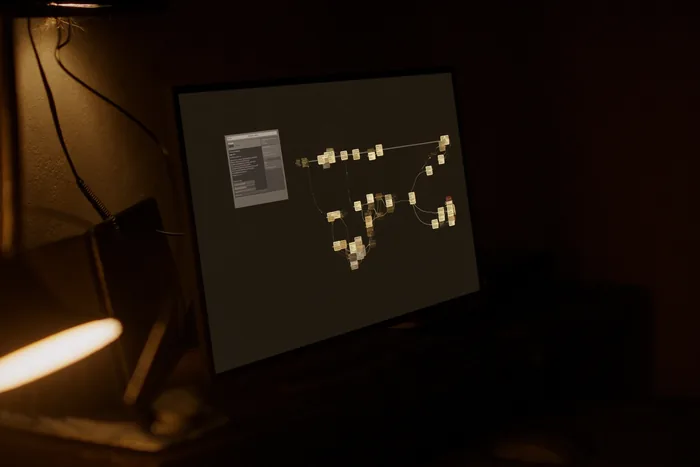
A workflow builder on a monitor, connected steps branching across a dark canvas.

Operations

HR

Organize staff questions and onboarding.

Onboarding through PTO and benefits — the whole employee lifecycle. It walks new hires through paperwork, equipment, and system access, handles time-off requests, accruals, and approval routing, and answers benefits enrollment and policy questions.

Handles, once configured

  • Walk new hires through paperwork, equipment, and system access
  • Handle time-off requests, accruals, and approval routing
  • Answer benefits enrollment and policy questions
  • Sync with payroll and benefits providers

You decide

  • Who approves time off, and at what thresholds
  • Which policy questions escalate to a person
A workflow builder on a monitor, connected steps branching across a dark canvas.

Operations

Executive Assistant

Your mornings, returned.

Inbox triage, calendar conflicts, follow-ups, travel logistics. It triages your inbox and surfaces what actually needs you, resolves calendar conflicts and books travel, and tracks promises so it can remind you to follow up.

Handles, once configured

  • Triage your inbox and surface what actually needs you
  • Resolve calendar conflicts and book travel
  • Track promises and remind you to follow up

You decide

  • What reaches you, what waits, and what gets declined on your behalf
  • Which bookings need your confirmation first
A workflow builder on a monitor, connected steps branching across a dark canvas.

Operations

Club Coordinator

Prepare information for club management.

Member services that never sleep. It tracks membership and dues — who is current, who is late — answers staff on demand, and surfaces reservations and event inquiries to management. It never comps a charge or overrides a booking on its own.

Handles

  • Track membership and dues — who is current, who is late
  • Answer staff on demand
  • Surface reservations and event inquiries to management

You decide

  • Every comp, every override, every booking change — flagged for management, never confirmed independently

Existing product; configured per engagement

Explore bot & walkthrough
A phone and a laptop side by side, an inbound message thread open.

Customer inquiries

Sales Qualifier

Every lead worked. Only fits booked.

Talks to inbound leads, scores them against your ideal-customer profile, books fits. It asks the qualifying questions a sales rep would ask, scores against your profile, disqualifies politely, and books fits onto your calendar.

Handles, once configured

  • Ask the qualifying questions a sales rep would ask
  • Score against your ideal-customer profile
  • Disqualify politely; book fits onto your calendar

You decide

  • The profile it scores against
  • Which leads a person reviews before a call is booked
A phone and a laptop side by side, an inbound message thread open.

Customer inquiries

Lead Generation

Outbound that starts with a reason.

Identifies target accounts and drafts personalized outbound. It watches your target accounts and identifies decision-makers, drafts personalized outreach in your voice, and hands warm replies to your sales team.

Handles, once configured

  • Watch your target accounts and identify decision-makers
  • Draft personalized outreach in your voice
  • Hand warm replies to your sales team

You decide

  • Every outbound message is a draft until you approve it
  • Which accounts are in scope
A workflow builder on a monitor, connected steps branching across a dark canvas.

Operations

IT Help Desk

Frontline support that resolves, not deflects.

Frontline tech support for your team. It resets passwords and reopens locked common accounts, walks through known troubleshooting steps, and escalates to a human with full context attached.

Handles, once configured

  • Reset passwords and reopen locked common accounts
  • Walk through known troubleshooting steps
  • Escalate to a human with full context attached

You decide

  • Which accounts it may touch, and which always escalate
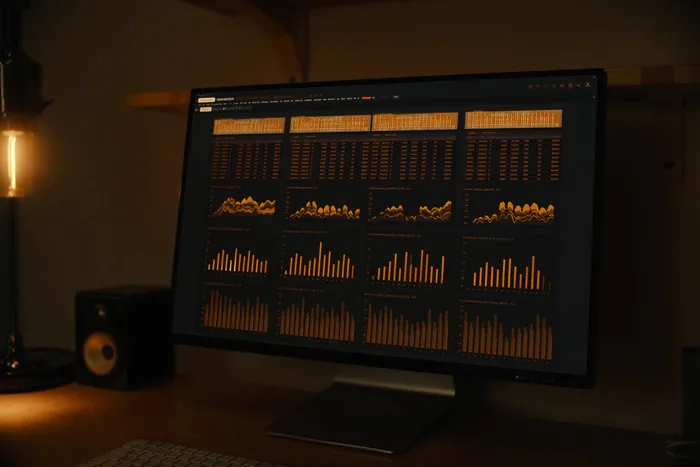
A finance dashboard on a dark screen, figures and a trend line.

Finance

Accounts Receivable

Invoice follow-up, payment matching, and review.

Watches aging, sends reminders, matches incoming payments. It sends payment reminders on a configurable cadence, matches incoming wire and ACH payments to invoices, flags partial pays for human review, and produces a Monday-morning aging report.

Handles, once configured

  • Send payment reminders on a configurable cadence
  • Match incoming wire/ACH payments to invoices
  • Produce a Monday-morning aging report

You decide

  • The cadence, the tone, and the point at which a reminder waits for you
  • Every partial payment is flagged for a person
A finance dashboard on a dark screen, figures and a trend line.

Finance

Accounts Payable

Invoice capture, matching, and approval.

Bills in, validated, routed, paid — never without your sign-off. It receives bills and validates them against POs, routes them for approval based on amount and category, and schedules payment only after sign-off above your threshold.

Handles, once configured

  • Receive bills and validate against POs
  • Route for approval based on amount and category
  • Schedule payment only after sign-off above your threshold

You decide

  • The threshold above which nothing is scheduled without you
  • Who approves which category
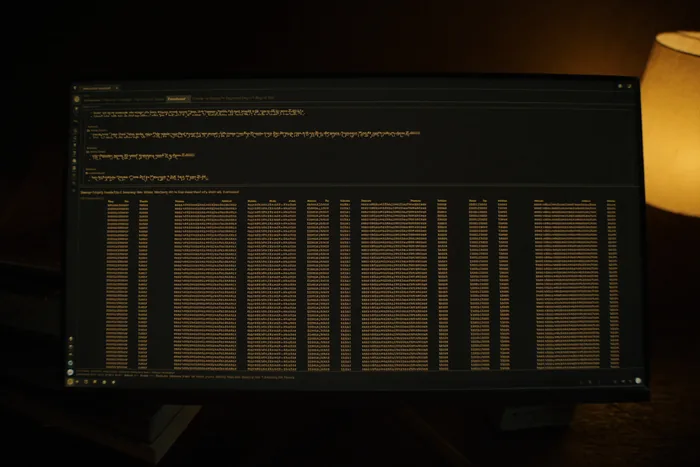
A database query console on a monitor, results laid out in a dense grid.

Documents

Contract Review

Flag clauses for a qualified reviewer.

Reads, compares, flags, drafts redlines — lawyer signs. It reads incoming contracts end to end, flags non-standard terms against your playbook with severity, and drafts redline language for attorney review and approval.

Handles, once configured

  • Read incoming contracts end to end
  • Flag non-standard terms against your playbook with severity
  • Draft redline language for attorney review and approval

You decide

  • The lawyer signs. Nothing is sent without explicit sign-off on every flagged section
A workflow builder on a monitor, connected steps branching across a dark canvas.

Operations

Facilities

Maintenance requests and follow-up.

Tracks maintenance, vendor work, recurring service contracts. Once configured it can log and dispatch maintenance requests, watch recurring service intervals such as HVAC filters and inspections, and coordinate with your preferred vendor list.

Handles, once configured

  • Log and dispatch maintenance requests
  • Watch recurring service intervals (HVAC filters, inspections)
  • Coordinate with your preferred vendor list

You decide

  • Which vendors are preferred, and which dispatches need approval
  • What a request must contain before it is dispatched

Scoped; specified and priced, built on request

Discuss facilities
A workflow builder on a monitor, connected steps branching across a dark canvas.

Operations

Property Manager

Property requests, task ownership, and updates.

Tenant requests, maintenance, lease renewals, rent reminders. Once configured it can triage tenant texts by urgency and unit, dispatch maintenance to your preferred vendors with photos, and remind tenants about rent, renewals, and inspections.

Handles, once configured

  • Triage tenant texts by urgency and unit
  • Dispatch maintenance to your preferred vendors with photos
  • Remind tenants about rent, renewals, and inspections

You decide

  • Which requests dispatch without a person, and which wait
  • The wording and cadence of every reminder

Scoped; specified and priced, built on request

Discuss property manager
A workflow builder on a monitor, connected steps branching across a dark canvas.

Operations

Project Coordinator

Monthly job cost and change events, reconciled per PM.

Monthly job cost and change events, reconciled per project manager. It pulls job-cost and billing data from Sage 100 Contractor through a read-only, outbound-only bridge on the contractor's own network, pulls change events from the Procore API with a read-only service account, and reconciles the two by job. It produces three artifacts per job — a Job Status Report, a Change Event Log, and a PM Review Sheet — bundled per PM and emailed from the contractor's own Microsoft 365 mailbox behind a human send gate.

Handles

  • Pull job cost and billing from Sage 100 Contractor, read-only
  • Pull change events from the Procore API, read-only scopes
  • Reconcile the two by job and flag budget growth, projected overrun, under-billing and margin erosion
  • Bundle three artifacts per job, per project manager

You decide

  • Nothing leaves until a person opens the send gate
  • The thresholds behind every flag

In deployment · Precision Electric

Discuss project coordinator
A finance dashboard on a dark screen, figures and a trend line.

Finance

Procurement

Purchasing requests and approvals.

You're the buyer. Once configured it can request quotes from your preferred supplier list, normalize offers for side-by-side comparison, and process POs and track delivery to receipt.

Handles, once configured

  • Request quotes from your preferred supplier list
  • Normalize offers for side-by-side comparison
  • Process POs and track delivery to receipt

You decide

  • Which suppliers are on the list
  • Which POs need sign-off before they are placed

Scoped; specified and priced, built on request

Discuss procurement
A database query console on a monitor, results laid out in a dense grid.

Documents

Paralegal

Document preparation for professional review.

Drafts standard filings, organizes case files, tracks deadlines. Once configured it can draft standard filings from templates, organize case files and index evidence, and track court deadlines. Nothing external goes without lawyer sign-off.

Handles, once configured

  • Draft standard filings from templates
  • Organize case files and index evidence
  • Track court deadlines

You decide

  • Nothing external goes without lawyer sign-off

Scoped; specified and priced, built on request

Discuss paralegal
A database query console on a monitor, results laid out in a dense grid.

Documents

Compliance

Checklists, evidence collection, and review.

Never miss a renewal, license, or filing deadline you've registered. Once configured it can track renewals, license expirations, and mandatory filings, remind you 30/60/90 days out by your channel of choice, and capture evidence of completion for audit.

Handles, once configured

  • Track renewals, license expirations, mandatory filings
  • Remind you 30/60/90 days out by your channel of choice
  • Capture evidence of completion for audit

You decide

  • Which deadlines are registered, and who is reminded

Scoped; specified and priced, built on request

Discuss compliance
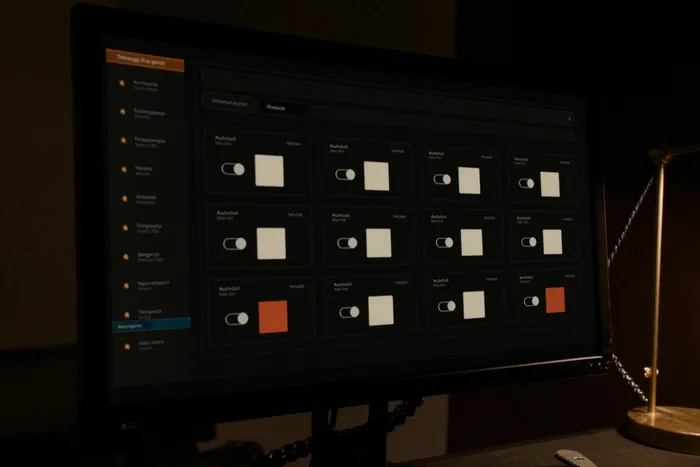
An integrations panel on a monitor, connected services shown as a grid of cards.

The catalog

One bot,
one workflow.

Each entry says what it handles, what stays your decision, and whether it is an existing product or scoped and priced to be built for your setup. The difference matters when you are the one waiting.

A clear scope. A human in control.

Walkthroughs use sample data to show how a workflow could operate. We confirm the actual channels, integrations, approvals, and exception paths for your setup.

Review automation pricing

Let’s talk about the work

What are you tired
of working around?

Show us the spreadsheet, the website, or the task you keep explaining. That’s enough to start a useful conversation. Start a project