
Website Development
Baig Medical Group — baigmedicalgroup.com
Website build. Online membership signup on the site feeds the client's own system through a one-way sync.
Visit the siteISee what was built
Showcase
Three websites, three applications and four automation engagements.
IIWebsites, applications
Website Development
Website build. Online membership signup on the site feeds the client's own system through a one-way sync.
Visit the site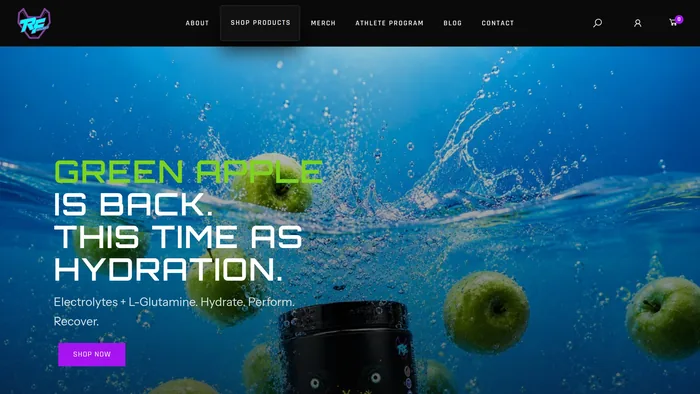
Website Development
Website build. The public retail storefront, on the WooCommerce store the operations CRM and the support bot both read.
Visit the site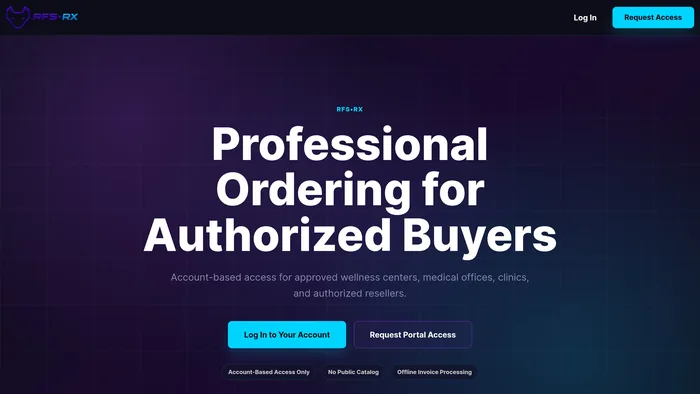
Website Development
Website build. A separate business-to-business ordering portal for the same brand: account-based access for approved buyers, with no public catalog.
Visit the site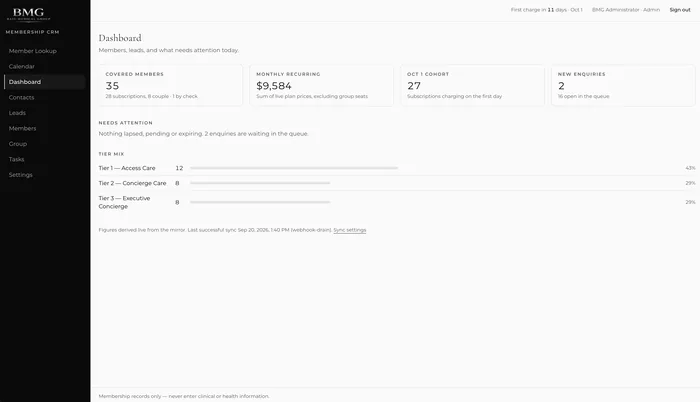
Custom Applications
A membership and leads CRM: a dashboard over a one-way mirror of the client's commerce system, a needs-attention feed, and tier mix.
Read about the membership CRM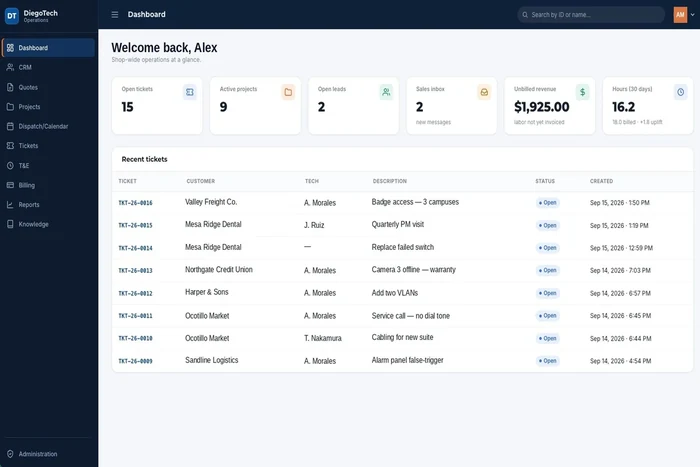
Custom Applications
A browser-based operations application for a technology and IT services company: quotes, projects, dispatch, tickets, time and billing in one chain, with a dashboard that shows unbilled revenue as a number the owner can see.
Read about DiegoTech Operations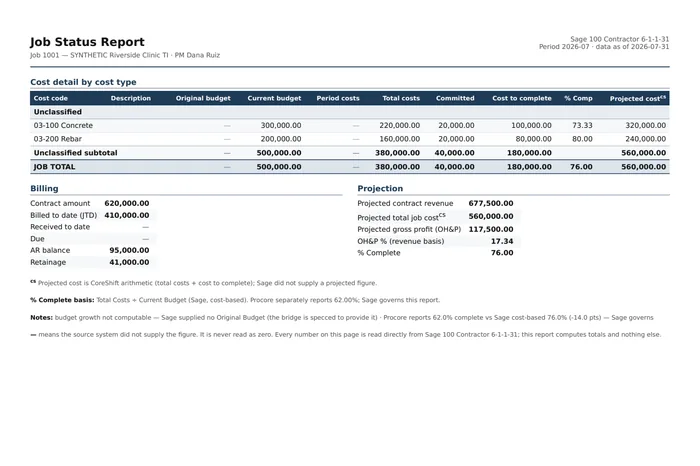
Automation
Project Coordinator: monthly job-cost and change-event reconciliation per project manager, from Sage 100 Contractor and Procore, behind a human send gate.
See the Project Coordinator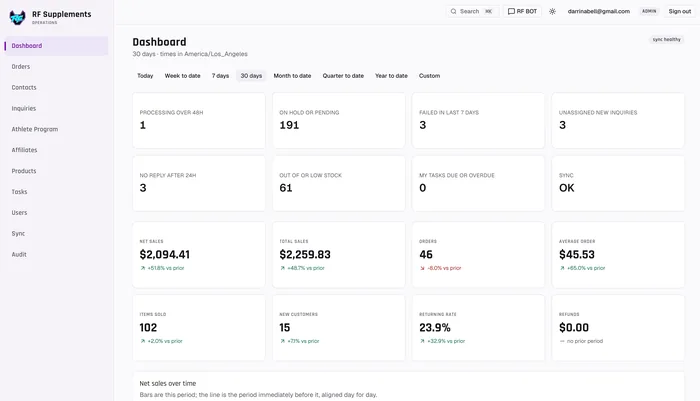
Custom Applications
The operations command centre for the business, at ops.rfsupplements.com: orders, logistics and shipping, affiliates, an athlete program, contacts and inquiries, tasks, and sales analysis, wrapped around a WooCommerce store on a live sync from the shop. Staff sign in; it is not a public site.
Read about the RF Supplements CRM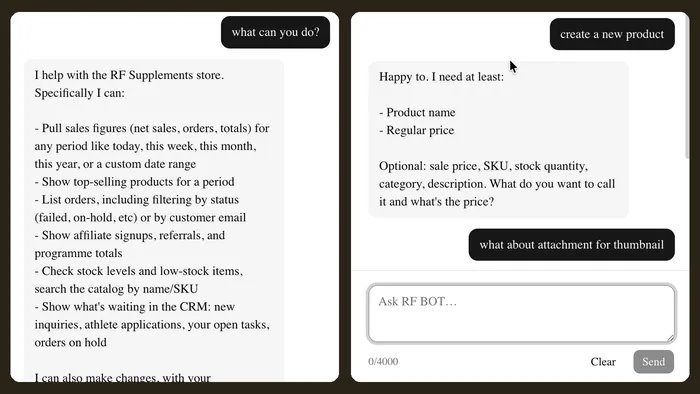
Automation
A plain-language assistant over the same store, across both of its ecommerce sites. Ask about sales for any period, products, stock levels, shipping and affiliates; it can update a stock count, create a product or set up a subscription, with confirmation first.
See the support botAutomation
An assistant that watches the Baig Medical Group website and CRM, running on the CRM site itself as well as in Telegram. It finds a member and what their plan still covers, books, moves and cancels appointments, and logs services delivered against a membership, always confirming before it touches anything.
See BMG Monitor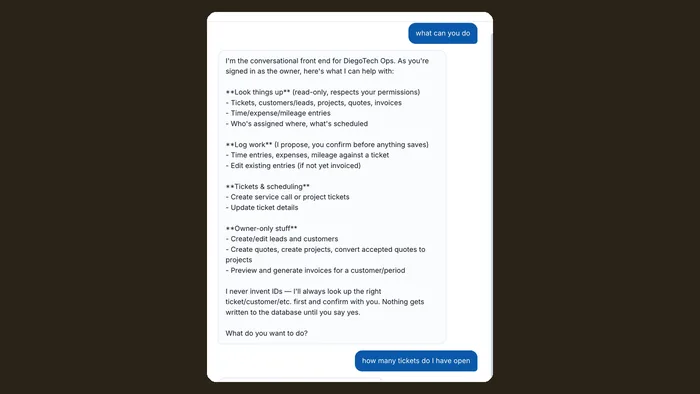
Automation
A conversational front end for DiegoTech Operations: look up tickets, customers, projects, quotes and invoices; log time, expenses and mileage; create tickets, quotes and projects. It acts as the signed-in user and writes nothing until they say yes.
See the assistantIIIAutomation demonstrations
What information gets picked up? What is missing? Where does someone need to approve the action? These scripted samples let you follow the exchange. They use sample data, not customer recordings or live connections.
IVWhat to look for in a walkthrough
Follow the sample fields. Ask whether your own records contain that information and who should have access to it.
Look for the review or approval. Compare it with the decisions you would want your team to keep.
A different system, an extra approver, or a missing-data rule can change the build. Bring that difference to the project conversation.
IVWhat to look for in a walkthrough
Let’s talk about the work
Show us the spreadsheet, the website, or the task you keep explaining. That’s enough to start a useful conversation. Start a project